What you need
It takes two minutes and costs nothing.
An Android phone
With Google Play installed.
Your Google account
The same one you use for Gmail and the Play Store.
14 days with Rumi
Keep it installed and use it whenever you like.
How to join
Do it from your Android phone, with the same Google account in all three steps.
-
Join the testers group
Sign in with your Google account and tap “Join group”. If you see “You don't have permission to access this content”, that's fine: it's about the group's messages, and the join button is still at the top.
Open the group -
Accept the Google Play invitation
Open the link and tap “Become a tester”. When it says “You're a tester”, come back to this page and go to step 3: the blue link on that page opens Google Play in the browser and may say the app doesn't exist.
Open the invitation -
Install Rumi
Download it from Google Play. If you see “Item not found”, check that the Play Store uses the same account (your photo, top right) and wait a few minutes after accepting.
Go to Google Play
What you'll try
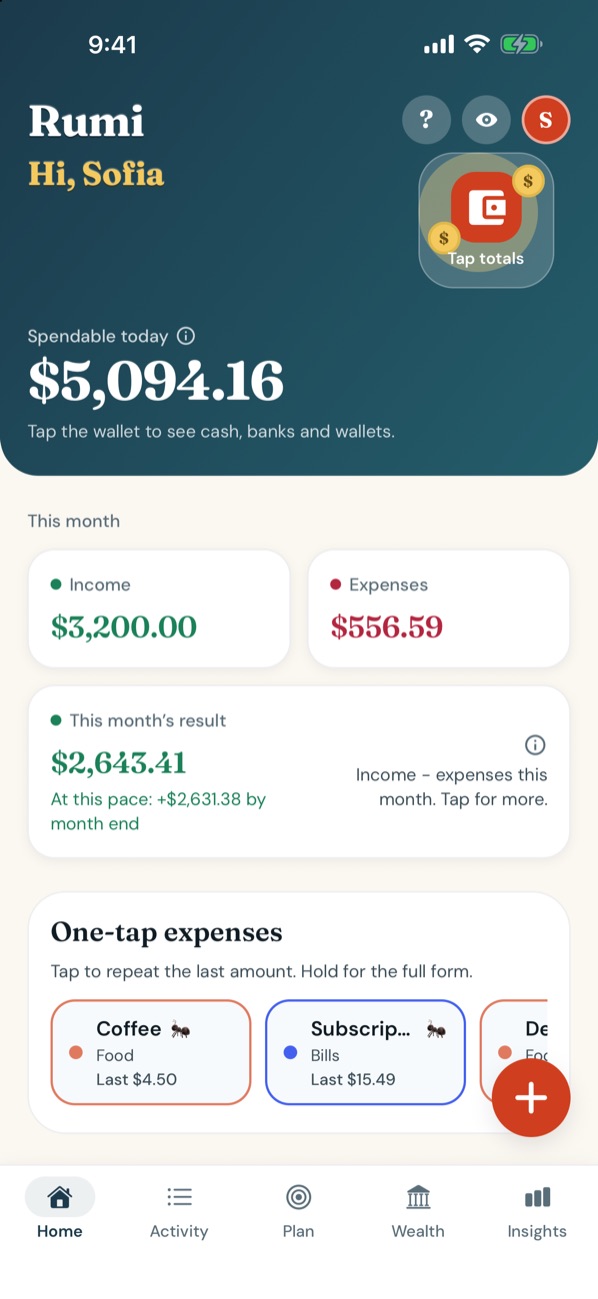
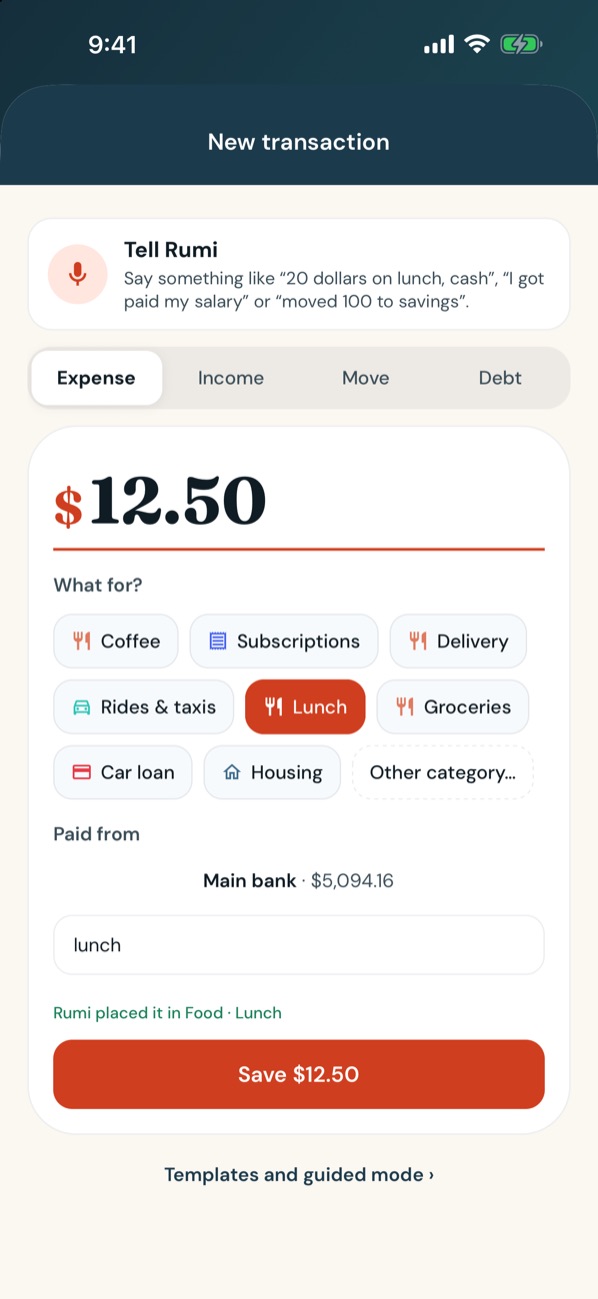
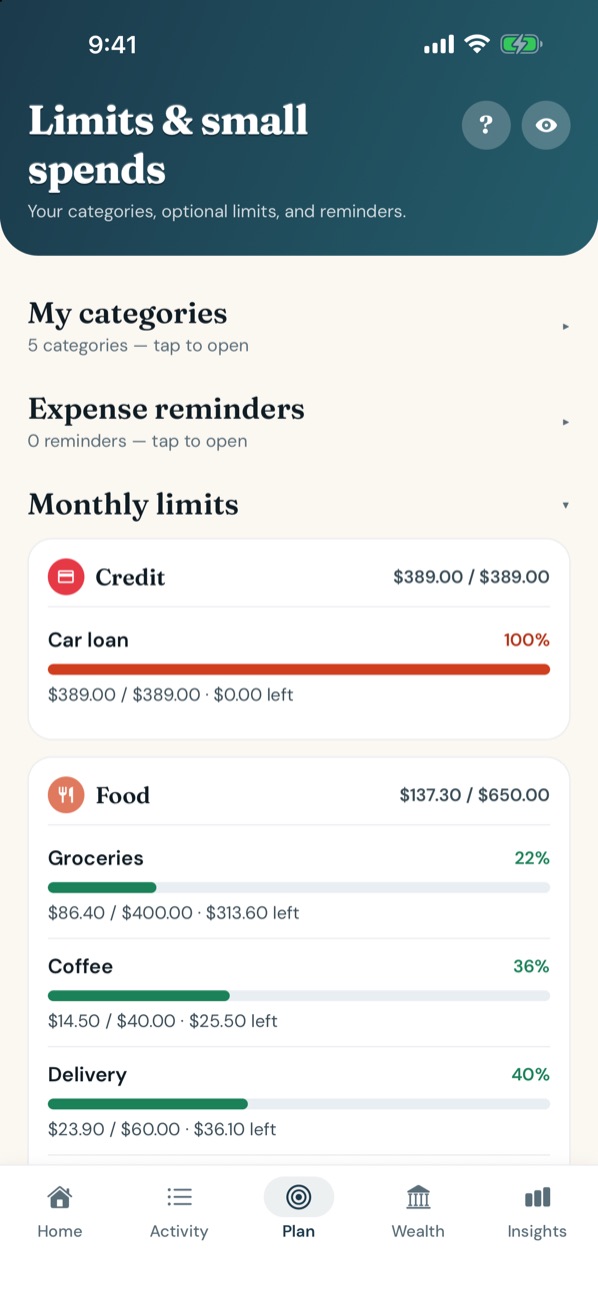
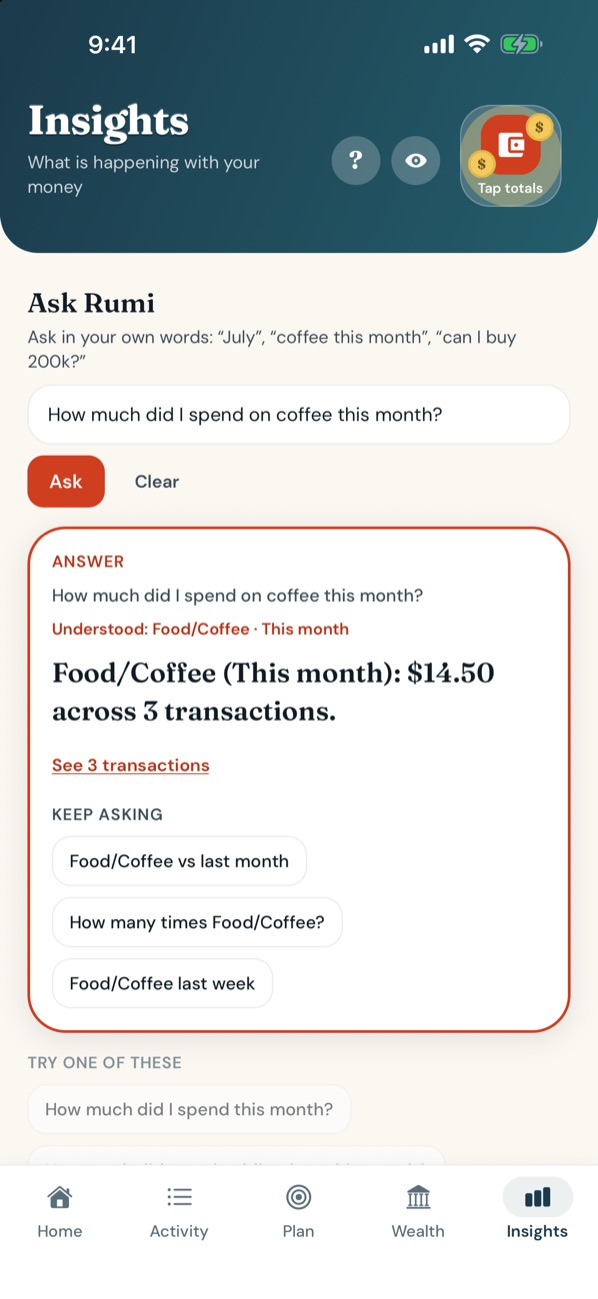
Log, set limits, ask, and get reminders for your payments.
Your data, on your phone
- No account or email, and no bank connection.
- Stored encrypted on the phone; it never goes to a server.
- No ads and no tracking.
Something broken?
In the app, tap your initial on Home and then Report a problem, or write to soporte.rumifinanzas@gmail.com. Every comment helps us improve.
Have an iPhone?
Rumi is live on the App Store.